
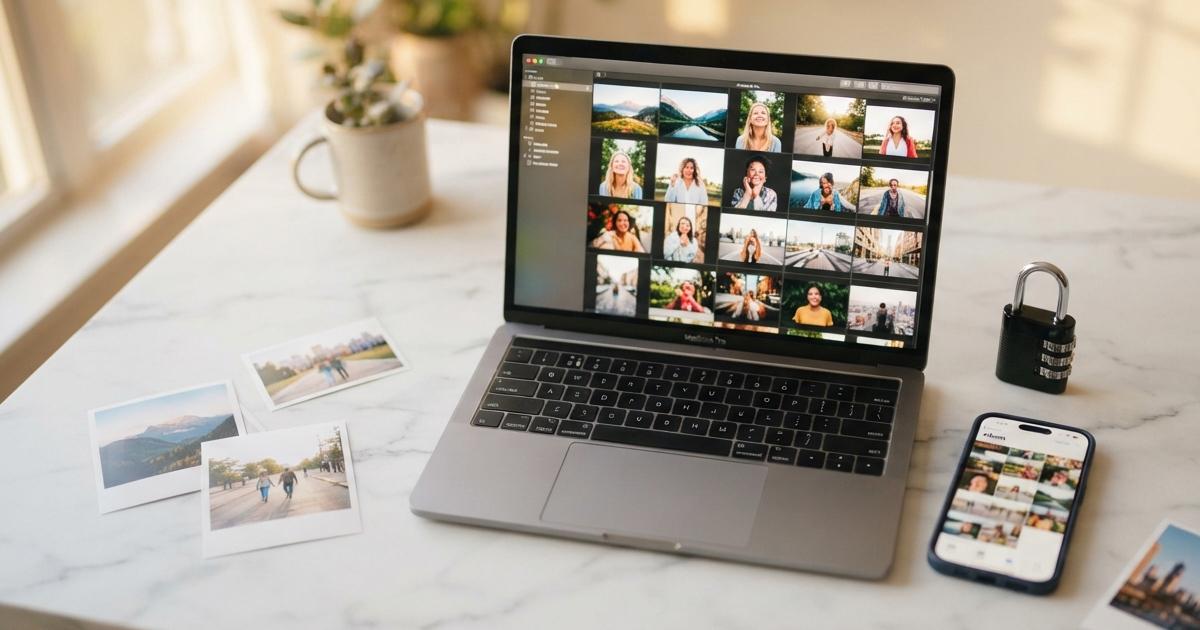

You've just wrapped up a beautiful photo session — the lighting was perfect, the moments were genuine, and your photographer delivered a stunning gallery of images that took your breath away. Now what? For many families, couples, and individuals, this is where the story stalls. The images sit in a shared link, get downloaded once, and then slowly disappear into the chaos of a cluttered hard drive or, worse, a phone that eventually breaks or gets replaced. At Moments By DP, we believe that protecting and sharing your digital photos is just as important as capturing them in the first place. Your memories deserve more than a forgotten folder.
Southwest Florida families and couples invest so much love and intention into their photo sessions, and those images represent something irreplaceable. Whether you've just received your wedding gallery, your newborn portraits, or your family's annual holiday photos, understanding how to properly store, share, and protect those files ensures they'll be part of your family story for generations to come.
Understanding Your Digital Gallery
When your session is complete and your images are delivered, you'll typically receive access to a private online gallery. This is your first opportunity to download and organize your photos, and how you handle that first step sets the tone for everything that follows.
Downloading Your Photos the Right Way
Most professional photography galleries allow you to download full-resolution images, which are the highest quality versions of your files. Always download the full-resolution versions rather than compressed previews. Compressed images may look fine on a phone screen but will lose quality when printed or displayed on larger formats. Take your time going through the gallery before downloading — open each image to appreciate the full detail of the work before saving everything to your device.
Organizing Your Files from the Start
Once downloaded, create a clearly labeled folder on your computer. Use a naming system that includes the date and type of session, such as Smith_Family_Session_December_2024. Inside that folder, you can create subfolders to organize by category — formals, candids, detail shots, and so on. A little organization at the beginning saves enormous frustration later when you're searching for a specific image.
Protecting Your Photos for the Long Term
Digital files are fragile in ways that printed photos never were. A hard drive can crash. A phone can be lost or stolen. A cloud subscription can lapse. Protecting your images requires a layered approach — what photographers and tech professionals often call the 3-2-1 backup rule.
The 3-2-1 Backup Strategy
- Three copies of your files — Your primary copy plus two backups ensures that even if one source fails, you have others to fall back on.
- Two different storage types — Store your images on at least two different types of media, such as an external hard drive and a cloud service.
- One offsite location — At least one copy should be stored somewhere other than your home, whether that's a cloud platform, a safety deposit box with a USB drive, or a trusted family member's storage.
This strategy may sound like a lot, but once it's set up, it becomes second nature. The peace of mind it provides is absolutely worth the effort.
Cloud Storage Options Worth Considering
There are several reliable cloud storage platforms that work well for storing professional photos. Google Photos offers generous storage options and makes it easy to organize and search your images. Amazon Photos, included with Prime membership, allows for unlimited full-resolution photo storage. iCloud works seamlessly for Apple users and syncs across all of your devices. For those who want a more dedicated photography-focused experience, platforms like SmugMug or Flickr are worth exploring as well. Whatever platform you choose, make sure to enable automatic backup so your images are constantly being protected without you having to think about it.
Sharing Your Photos Thoughtfully and Safely
Sharing your photos with family and friends is one of the great joys of having a professional session. But how you share them matters, both for the quality of the experience and for protecting your privacy and the integrity of the images.
Sharing Through Gallery Links
One of the easiest and most beautiful ways to share your photos is through your original gallery link. Most professional photography galleries allow you to share the link with friends and family, who can then view and download images directly. This preserves the full quality of the photos and gives your loved ones the same experience you had when you first saw your images. Before sharing a gallery link, check with your photographer about whether there are any restrictions on how long the gallery remains active.
Social Media Sharing Best Practices
Social media is a wonderful way to celebrate your moments and share them with your community, but it comes with a few important considerations. When uploading photos to platforms like Instagram or Facebook, be aware that these platforms compress images, which can reduce quality. Always keep your originals separate from anything you post online. When tagging or crediting your photographer, do so generously — it's a small gesture that means a tremendous amount to small businesses like Moments By DP and helps other families in Southwest Florida discover the same quality of work you experienced.
Protecting Your Privacy Online
Think carefully before sharing photos that include your home address, your children's school, or other identifying location details. For newborn sessions, consider waiting a few days or weeks before announcing publicly. For proposal or wedding content, share on your own timeline and in your own way. Your photos belong to you, and you have every right to be intentional about how and when they enter the world.
Going Beyond Digital: Printing and Displaying Your Favorites
While this post focuses primarily on your digital files, it's worth mentioning that the most protected photo is one that has been printed. Digital formats change over time — file types become obsolete, cloud services get discontinued, and hard drives fail. A printed photograph in an album or on your wall is immune to all of that. Consider selecting your five to ten favorite images from each session and having them professionally printed. Wall art, photo books, and framed prints transform your digital memories into something your family can touch, feel, and pass down for generations.
At Moments By DP, we are passionate about helping you not only capture your most meaningful moments but also ensuring those memories live on in every form possible. From the moment we begin working together to the final delivery of your gallery, our goal is to give you images that are worthy of a lifetime of safekeeping. If you have questions about how to best manage your digital gallery or are ready to book your next session in Southwest Florida, we would love to hear from you. Your story deserves to be protected, shared, and celebrated — today and always.